Face swap.
A new story.
Explore face swap ideas for portraits, playful GIFs and memorable videos. Bring your imagination. Start with a picture.
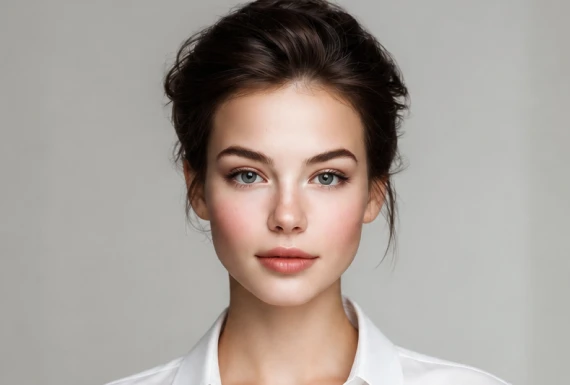
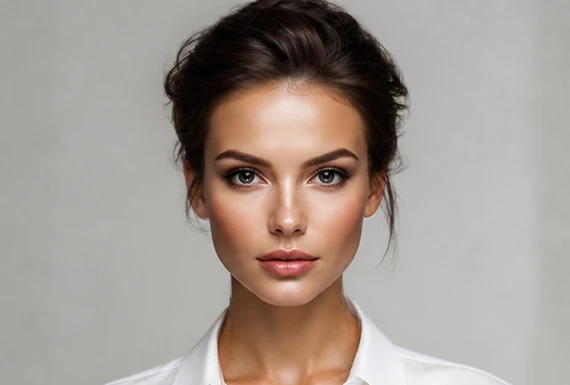 LOOK 02LOOK 01
Find your next look.
Explore a face swap concept before choosing your own scene. These reference looks are here to spark an idea.
PORTRAIT / CONCEPTPORTRAIT / CONCEPTEDITORIAL / CONCEPTEDITORIAL / CONCEPTIllustrative reference assets. Choose a card to preview its source image in the photo workspace.
EXPLORE THE POSSIBILITIESSmall changes.
A whole different feeling.
A good face swap begins with the right ingredients: a clear portrait, a compatible angle and a scene that tells a story. Think of the expression and light before choosing the effect.
Start with a profile concept, plan a reaction loop or prepare a short clip. Our format guides help you prepare better inputs. Single and multiple-person modes use the corresponding Crun APIs.
Prepare your first portrait ↗Three steps to a better brief.
Prepare the media first. A little care here makes the next editing step easier.
Start with a moment.
Pick a photo, GIF or video you have permission to edit. Choose a clear subject and a composition with room for the face.
Keep it clear.
Use even lighting and a similar angle. Strong shadows, heavy filters or an obstructed face make a convincing match more difficult.
Check the details.
Inspect the inputs side by side. Generate when you are ready, watch your task status and download the finished file. Keep the job ID to recover an interrupted session.
The right tool for your idea.
Vidnoz, explained.
Photo, video and group workflows. What to verify before committing to a plan.
Read the guide ↗TOOL GUIDE / 2026Pixlr, explained.
From source portrait to target image. A practical checklist for still-photo projects.
Read the guide ↗TOOL GUIDE / 2026Canva, explained.
Editing inside a design workflow. Understand the app, the canvas and the export.
Read the guide ↗Face swap, without the guesswork.
What is a face swap?
It replaces the identity of a face in a scene while aiming to preserve the pose, lighting and expression. A convincing edit needs more than a cut-and-paste overlay: the features must align with the original perspective.
Can I generate a result here today?
Yes. Use the dedicated photo, GIF or video workspace to choose your inputs. Generate sends them to Crun, then shows your job progress and a downloadable result. Free beta limits apply.
Do my photos leave my device?
Files remain local while you preview them. Detect faces and Generate upload the required media to Crun for processing. Read the privacy notice before sending private images.
Which format should I start with?
Start with a still portrait to check the basic composition. Short animated loops are useful for reactions, while video needs consistency across movement. Each format has a dedicated workspace and preparation guide.
Can I use someone else’s portrait?
Only use media and likenesses you have permission to edit. Keep creative edits clearly distinguishable from genuine footage. Do not use this workspace for impersonation, harassment or non-consensual intimate content.
What will you create next?
Explore the face swap workspace and prepare your first pair of images.
Open the photo studio ↗Free beta · Usage limits apply